Free freelance invoice template
This template is laid out for freelance work, so you can bill by the hour or by the project. It has a field for the project name, which helps when the invoice goes to someone who was not involved in the work.
Billing by the hour
Put your hours in the quantity box and your hourly rate in the price box. Part hours work too, so 12.5 hours at 75.00 comes to 937.50 without any rounding on your side.
Describe the work and the dates on each line, such as “Project work, 1 to 14 March”. A clear description is the quickest way to avoid questions from whoever approves the invoice.
Billing by the project
If you charge a fixed fee, open the Design tab and turn off “Show quantity and price”. The invoice then shows only the description and the amount.
Know who still owes you
Every invoice stays in your book. When a client pays, record it, and your book updates the amount you are owed. If a payment is late, Slipbook writes a polite reminder that you can send by WhatsApp or email.
Checked on .
Questions
Should a freelance invoice show my hours?
If you bill by the hour, yes. Showing hours and the rate answers most questions before they are asked. For a fixed fee, a clear description of the work is enough.
What payment terms should I use?
Use what you agreed with the client. Slipbook sets the due date 14 days after the invoice date by default, and you can change this in Settings.
Can I bill in another currency?
Yes. Open “Number, dates, and currency” on the invoice and choose the currency your client pays in.
Helpful guides
More templates
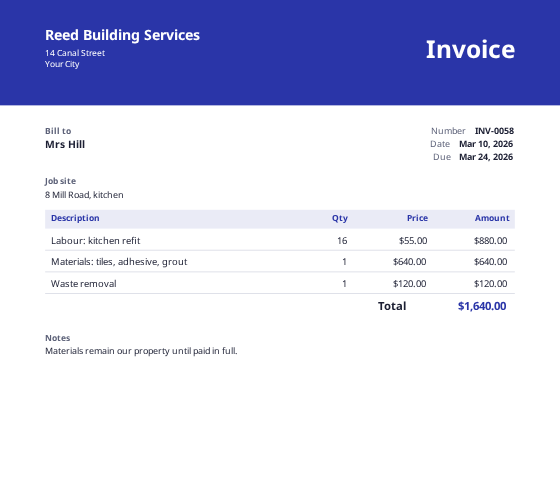 Contractor invoice templateLabour and materials on separate lines, with a job site field.
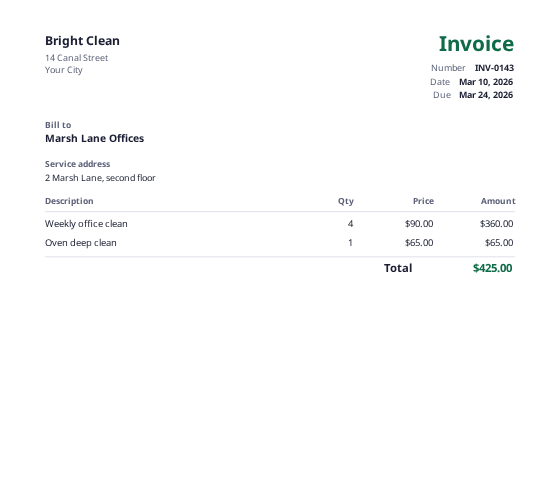 Cleaning invoice templateFor regular visits and one-off jobs, with a service address field.
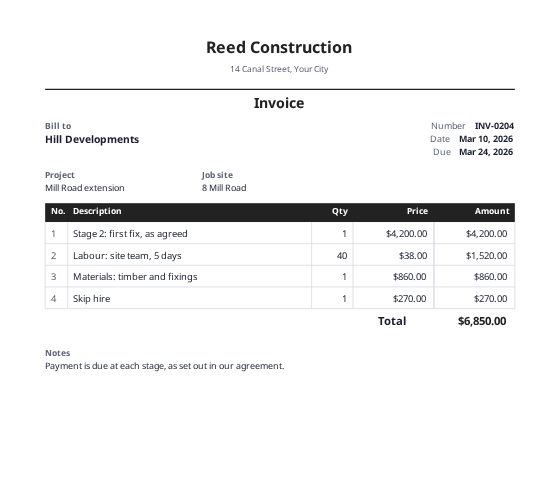 Construction invoice templateA numbered bill form for stage payments, with project and site fields.
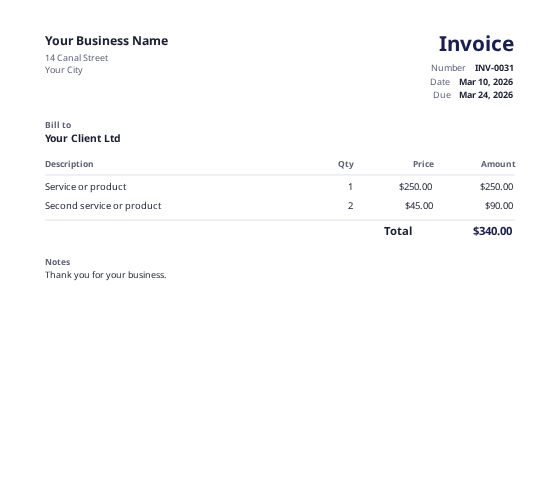 Invoice templateA clean, general invoice for any business.