Free contractor invoice template
This template separates labour from materials and has a field for the job site. It works on a phone, so you can finish the invoice before you leave the job.
Show labour and materials separately
A clear list is easier for a customer to check than one large figure. Put labour on one line with hours and a rate, then list materials and any extras, such as waste removal, on their own lines.
Your prices are remembered. The next time you type “Waste removal”, the price fills in by itself.
From quote to invoice
If you quoted the job in Slipbook, you do not need to type it again. Open the quote and choose “Turn into invoice”. The client and the items carry across, and the invoice gets the next number.
Taking a deposit
When a customer pays part of the invoice, record it as a payment. The invoice then shows what was paid and the balance due, and you can make a receipt from that payment.
Checked on .
Questions
Can I use this on my phone on site?
Yes. It is built for phones, and it keeps working without a connection after your first visit.
Can I add my own fields?
Yes. Choose “Add a field” to add anything you need, such as a job number or a purchase order.
What if the job ran over the quote?
Add the extra work as new lines on the invoice, and describe why. A short note saves a difficult phone call.
Helpful guides
More templates
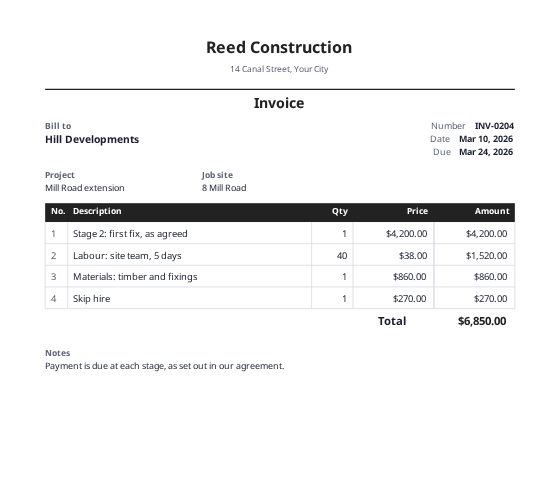 Construction invoice templateA numbered bill form for stage payments, with project and site fields.
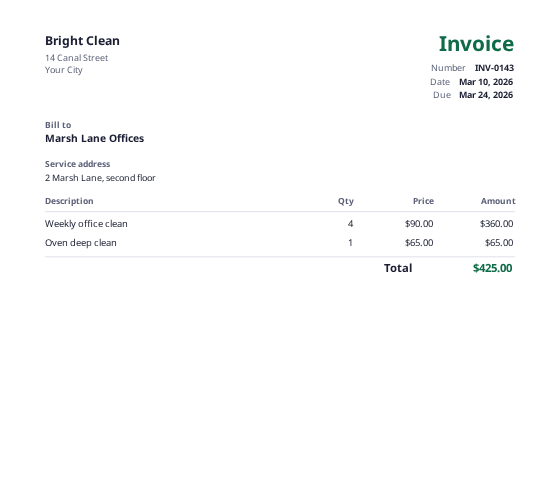 Cleaning invoice templateFor regular visits and one-off jobs, with a service address field.
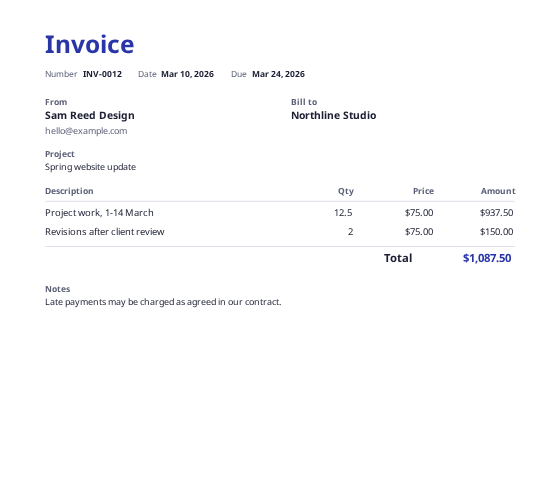 Freelance invoice templateFor hourly or project work, with a field for the project name.
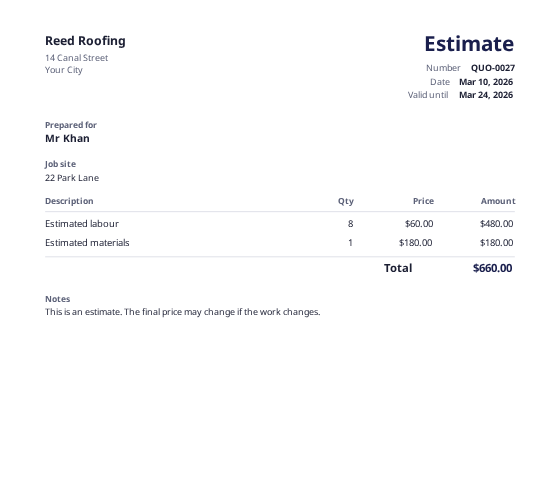 Estimate templateAn approximate price for jobs that may change, with a job site field.