Free invoice template
Fill in this invoice template online, then download it as a PDF, save it as an image, or print it. There is no account to create, and your copy stays in your book, so you can see later whether it was paid.
What this invoice includes
- Your business name and contact details
- Your client’s name and address
- An invoice number, filled in for you in order
- The invoice date and the date payment is due
- A line for each item, with quantity, price, and amount
- The total, worked out for you
- A space to say how to pay you
How to use it
Choose the button above and the template opens with the items laid out. Replace them with your own work, add your client’s name, and download the PDF. Your business details are saved, so you only type them once.
Tax and discounts stay out of the way until you add them. If you do not charge tax, the invoice simply does not show it.
Change it to suit you
Open the Design tab to pick another layout, a colour, and a paper size. You can rename words, so “Invoice” can say “Bill” if that is what your customers expect, and add fields of your own, such as a PO number.
Checked on .
Questions
Is this invoice template free?
Yes. You can make as many invoices as you need, and there is no watermark on them.
Can I download it as Word or Excel?
Slipbook makes a PDF, an image, or a printout, because those look the same for everyone. You can export your records to a spreadsheet from Settings.
Do I need to include tax?
Only if you charge it. Rules differ by country, so check what applies to your business.
Is an invoice format the same as an invoice template?
Yes. In India and Pakistan people usually say invoice format or bill format, and elsewhere invoice template. Both mean a layout you fill in. For rupees with the total in words, see the bill format.
Helpful guides
More templates
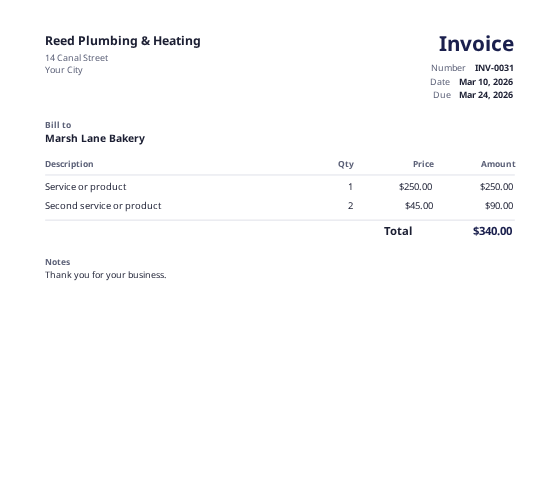 Invoice makerMake an invoice in a few minutes, and keep your copy in your book.
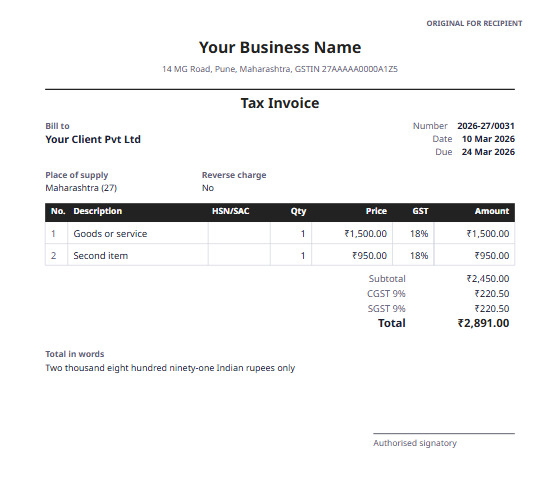 GST invoice formatA tax invoice for India, with CGST and SGST or IGST, and HSN/SAC codes.
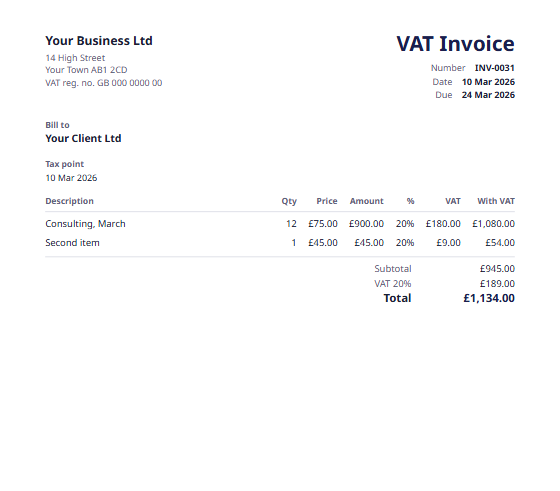 UK VAT invoiceFor VAT-registered businesses, with the tax point and the VAT rate on each line.
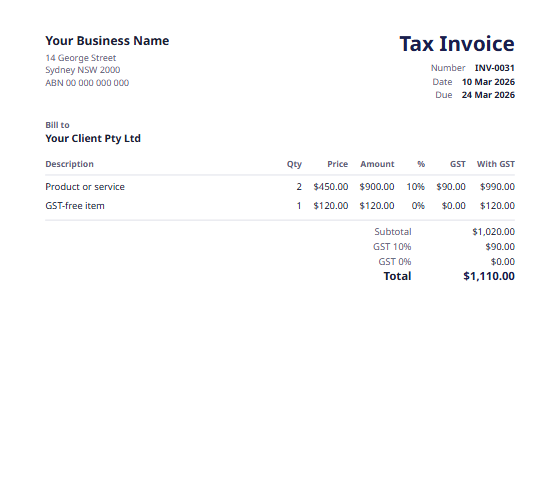 Australian tax invoiceWith your ABN, the words Tax Invoice, and the GST on each item.