Free quotation format
Send your customer a clear quotation before the order or the work. It lists each item with its rate, writes the total in words, and says how long your prices hold. When the customer agrees, it turns into an invoice in one tap.
What a quotation should show
- Your business name and contact details
- The customer’s name
- A quotation number and the date
- Each item, with the quantity, rate, and amount
- Tax, if you charge it
- The total, and the total in words
- How long the prices are valid
- Your terms and conditions, such as delivery time, payment, and whether tax is included
- A signature by you or your authorised signatory
Adding GST
If you are registered for GST, add GST under the tax buttons and set the rate on each item. The quotation can show CGST and SGST, or IGST, the same way as a tax invoice.
When the customer says yes
Mark the quotation accepted and choose “Turn into invoice”. The customer and the items carry across, and the invoice gets the next number. Your book shows which quotations are waiting, accepted, or expired, so you know which ones to follow up.
Terms worth writing down
The template starts with a few terms and conditions as examples. Change them to your own.
- How long the prices are valid
- When you can deliver or finish the work
- Payment terms, such as an advance with the order
- Whether your prices include tax
- Whether transport or installation is included
Checked on .
Questions
Is this quotation format free?
Yes. Make as many quotations as you need, with no watermark and no signup.
How long should a quotation be valid?
It depends on how quickly your prices change. Slipbook uses 30 days by default, and you can change it in Settings.
Is a quotation the same as an estimate?
Not quite. A quotation is usually a fixed price, and an estimate is your best guess. Our guide explains the difference.
Can I send it on WhatsApp?
Yes. On most phones, the Share button sends the PDF to WhatsApp. You can also save it as an image.
Is a quotation format the same as a quotation template?
Yes. Both mean a layout you fill in to make a quotation. This one works out the totals, writes the total in words, and keeps a numbered copy in your book.
Helpful guides
More templates
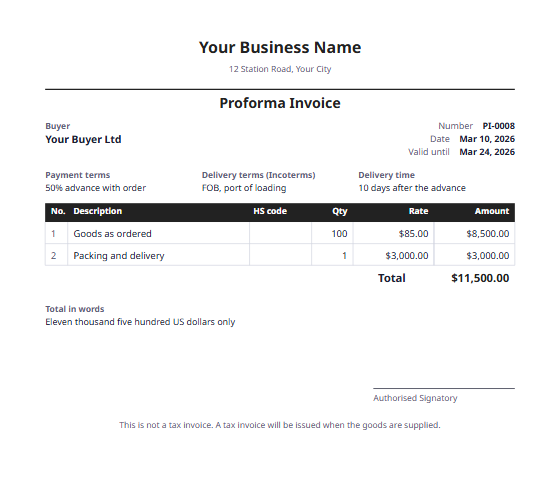 Proforma invoice formatA first bill sent before the goods, to ask for an advance or approval.
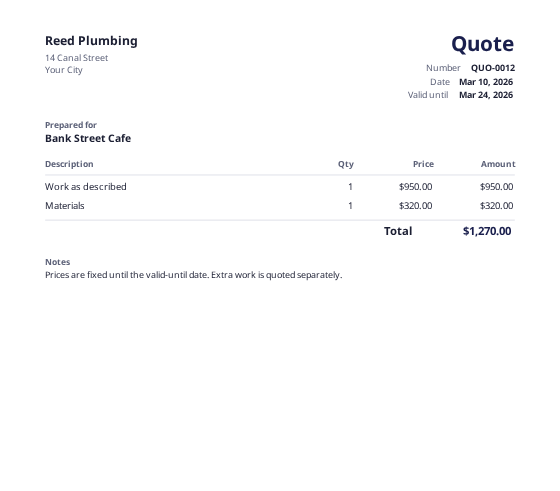 Quote templateA fixed price with a valid-until date, ready to turn into an invoice.
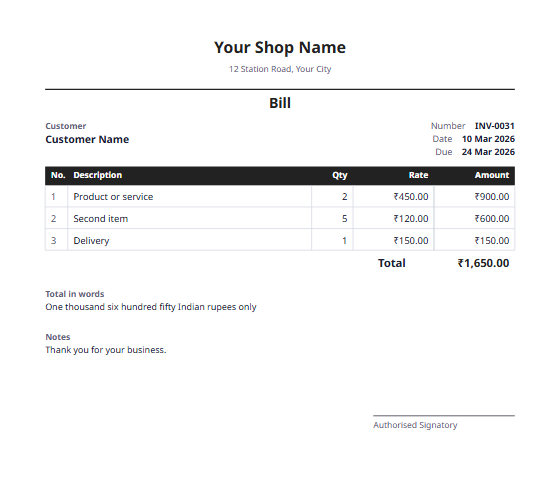 Bill formatA simple bill for shops and small businesses, with the total in words.
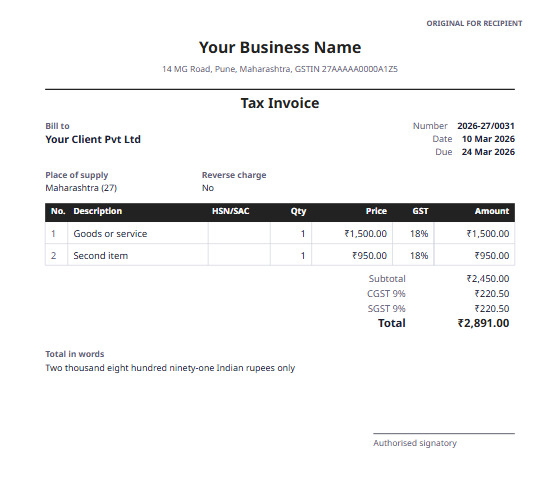 GST invoice formatA tax invoice for India, with CGST and SGST or IGST, and HSN/SAC codes.